
When your reach your destination, your downloaded Orbit Mobile travel eSIM will automatically connect to the strongest available network. To immediately start using the data included in your plan, update your phone mobile data settings.
Make sure to check the below instructions:
- Restart your phone to refresh the network connection.
- Check your eSIM is saved:
- Go to Settings > SIMs and confirm it’s listed.
- Your download link can be found under My Account.
- Verify your data settings: Have you updated your phone settings and selected your eSIM for mobile data?
- Confirm your plan is active in My Account.
We have included device-specific information in our chat; start a conversation with us
How do I know if my eSIM is connected to the network?
Your phone signal bar should show two bars once it is connected to a network.
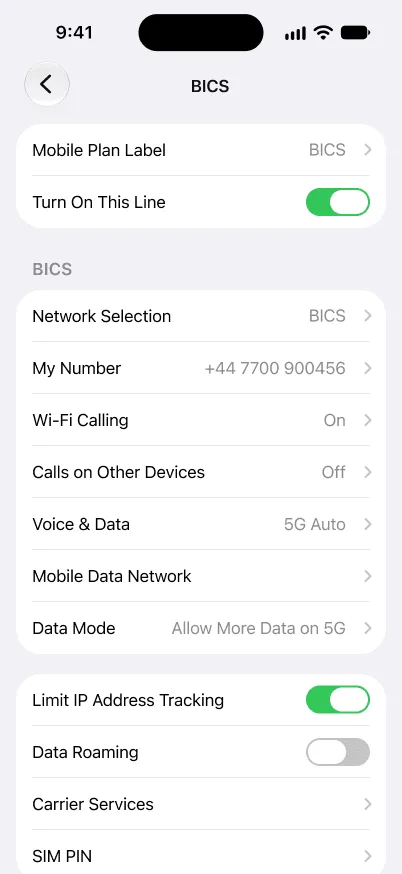
How do I know I'm not being charged for data roaming?
Keep "Data-Roaming" switched off, and you'll not receive any unexpected data roaming charges.